Understanding Auto-Sync: Keep Your Store Always Updated
Why syncing with Amazon matters — and how Spreadr's auto-sync and super-sync keep your product data accurate without the manual work.
Amazon's prices and availability change constantly. If your Shopify store shows outdated prices or "in stock" for discontinued items, you lose trust and sales — and in dropshipping, you risk orders you can't fulfill. Auto-sync solves this by keeping your store aligned with Amazon automatically, so you can focus on marketing and curation instead of manual updates.
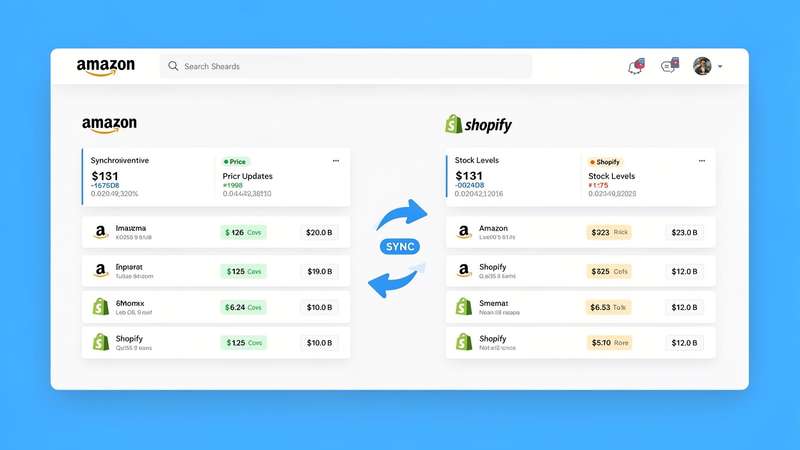
What gets synced?
Typically: price (so your markup or displayed price stays correct), availability (in stock / out of stock), and sometimes title/description if you choose to pull updates from Amazon. You keep full control over what you've customized (e.g. your own SEO-focused descriptions) while numeric and availability data stay current. That way your store never shows a price that no longer matches Amazon or lists an item as available when it’s been discontinued.
Auto-sync vs super-sync
Auto-sync runs on a schedule you set — e.g. daily or weekly — and updates all linked products in bulk. It's perfect for most stores and keeps data fresh without constant manual checks. Super-sync is for when you need more frequent updates (e.g. high-turnover inventory or flash deals) or faster refresh cycles. Both reduce manual work and prevent stale data; choose the option that matches your catalog size and how often Amazon changes in your niche.
Why it matters for affiliate and dropshipping
Affiliate: Showing the wrong price or "currently unavailable" hurts credibility and click-through. Visitors expect to see what they'll get on Amazon. Dropshipping: Wrong price or stock can mean selling an item that's no longer available or at a loss. Syncing protects your margins and your reputation.
FAQ
How often does auto-sync run?
You choose the schedule (e.g. once per day or more). Spreadr supports flexible scheduling so you can balance freshness with API usage and app limits.
Will sync overwrite my custom titles and descriptions?
No. You control which fields are updated from Amazon. Most merchants sync only price and availability and keep their own SEO-focused titles and descriptions.
Keep your store in sync with Amazon
Set up auto-sync or super-sync and stop worrying about stale prices and stock.
Install Spreadr Free on Shopify →