Amazon Dropshipping vs Affiliate Marketing: Which is Right for You?
Two proven ways to sell Amazon products on Shopify — each with different risks, rewards, and day-to-day demands. Here’s how to choose.
If you're building a Shopify store around Amazon's catalog, you'll quickly hit a core decision: do you want to earn affiliate commissions or set your own prices and dropship? Both models are popular, both work with tools like Spreadr — but they suit different goals and risk tolerances.
This guide breaks down the real differences: upfront cost, ongoing effort, profit potential, and who each model is best for. We'll also show how you can mix both on the same store. By the end, you'll know which path fits your situation.
Affiliate marketing: zero inventory, referral commissions
With the affiliate model, your store displays Amazon products and sends visitors to Amazon to buy. You never hold stock or set a selling price — Amazon does. You earn a commission (typically 1–10% depending on category) for each qualifying purchase made through your links. Many merchants choose this path first because it's the fastest to launch and has virtually no operational overhead.
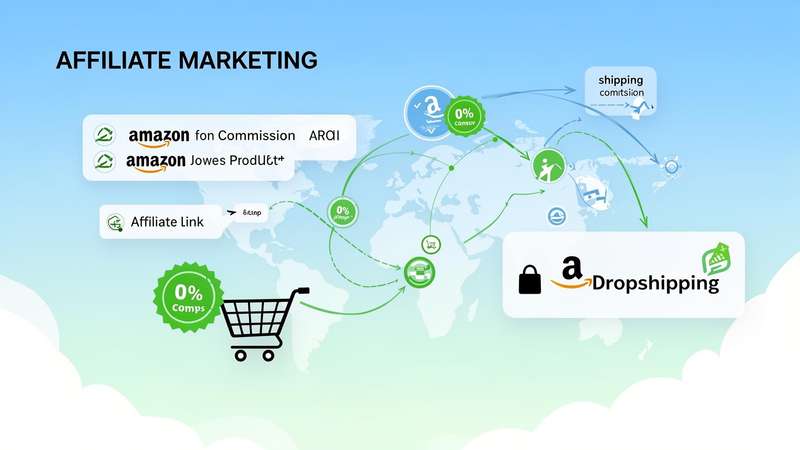
Pros: No inventory, no fulfillment, minimal risk. You can launch fast and scale by adding more products and content. Commission is paid by Amazon; you don't handle refunds or shipping. Cons: Commission rates are fixed by Amazon; you don't control the customer experience after the click, and you can't run your own "Add to Cart" or promotions on the product itself.
Dropshipping: your prices, your margin
With dropshipping, you import Amazon products to Shopify and sell them at your own prices. When a customer buys, you (or your app) place the order with Amazon and have it shipped to the customer. The difference between your selling price and the Amazon cost is your margin. You own the full shopping experience: cart, checkout, and pricing.
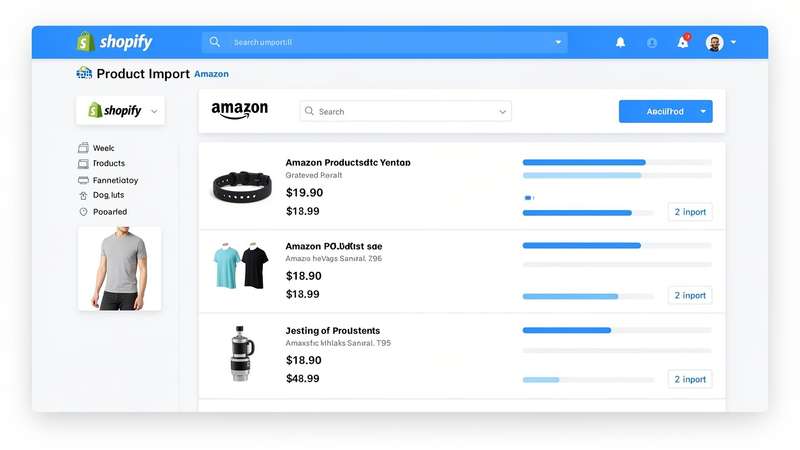
Pros: Full control over pricing and margins; "Add to Cart" on your store; you can run promotions and bundles. High-ticket items can yield much larger per-order profit than affiliate commissions. Cons: You're responsible for order placement and keeping prices in sync — so a reliable sync tool like Spreadr is essential to avoid selling at a loss or listing out-of-stock items.
Side-by-side comparison
Here’s a clear breakdown so you can compare both models at a glance.
| Factor | Affiliate | Dropshipping |
|---|---|---|
| Risk & upfront cost | Very low — no inventory, no cost of goods | Low — no inventory; you manage margins and sync |
| Profit per sale | Capped by Amazon commission (1–10%) | You set markup; high-ticket items = larger profit |
| Day-to-day effort | Content, SEO, driving clicks to Amazon | Pricing, sync, order flow; more operational |
| Customer experience | Visitor clicks through to Amazon to buy | Add to Cart on your store; you own checkout |
| Best for | Content creators, niche sites, side income | Merchants who want full control and higher margins |
You don’t have to choose one forever
With Spreadr you can run both on the same store: some products as "View on Amazon" (affiliate) and others as "Add to Cart" (dropship). Start with affiliate to test the waters, then add dropshipping for bestsellers when you’re ready.
How to choose
Choose affiliate if you want the lowest risk and minimal operations — ideal for side income or testing the waters. Choose dropshipping if you want to own the full customer journey and maximize margin per sale. Many merchants start with affiliate and later add or switch to dropshipping as they scale.
With Spreadr, you can run both models on the same store: use affiliate links for some products and "Add to Cart" with markup for others. Your choice doesn't have to be all-or-nothing.
FAQ
Can I do both affiliate and dropshipping on one store?
Yes. Spreadr lets you choose per product: some can use "View on Amazon" (affiliate) and others "Add to Cart" (dropship) with your markup.
Which makes more money?
It depends. Affiliate earnings scale with traffic and conversion; dropshipping earnings scale with margin and volume. Many factors (niche, ticket size, marketing) matter more than the model alone.
Do I need different tools for each?
No. One app like Spreadr supports both. You import from Amazon once; then you choose affiliate or dropship (and pricing) per product.
What if Amazon changes prices or an item goes out of stock?
For dropshipping, use auto-sync so your store’s price and availability stay in sync with Amazon. For affiliate, the link still works — the customer sees the current price on Amazon when they land there. Syncing is critical for dropship to avoid wrong margins or selling unavailable items.
Run both models with one app
Import from Amazon, choose affiliate or dropship per product, and keep everything in sync. Start free with Spreadr.
Install Spreadr Free on Shopify →