10 Tips to Optimize Your Amazon Product Listings on Shopify
Proven strategies to improve search visibility, trust, and conversions for every imported product page.
Importing Amazon products to Shopify is only half the battle. How you present and optimize those pages determines whether visitors find you on Google and whether they click through to buy. Duplicate or thin content hurts rankings; clear, unique, and well-structured pages perform better. These 10 tips will help you rank better and convert more.
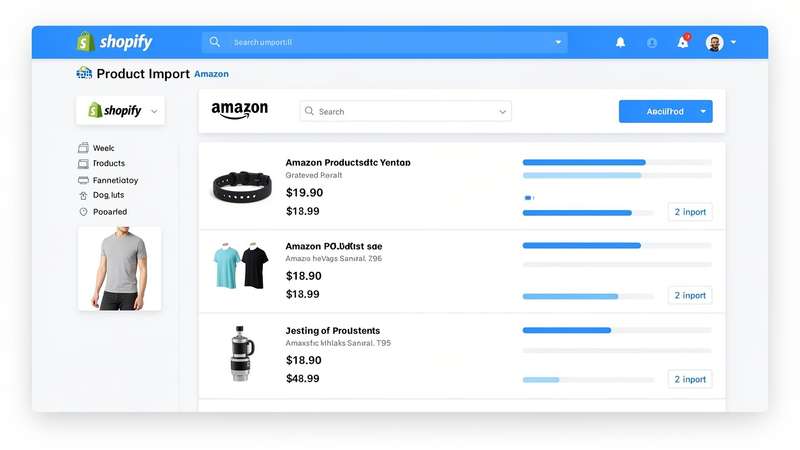
1. Write unique, keyword-rich titles
Don't leave the default Amazon title. Edit it to include your target keyword near the front, keep it under 70 characters for SEO, and make it compelling for clicks. Front-load the most important words so search engines and shoppers see the value immediately.
2. Rewrite descriptions (no duplicate content)
Google penalizes duplicate content. Rewrite product descriptions in your own words — and add bullet points and structure so both users and search engines can scan easily. Focus on benefits and use cases, not just copying Amazon’s feature list.
3. Use high-quality images
Keep the best Amazon images and add your own if you can. Use descriptive alt text with relevant keywords for every image to improve accessibility and SEO. Avoid generic filenames like "image1.jpg" — use product-specific names.
4. Add structured data
Use Shopify's product schema (or an app) so search engines understand price, availability, and reviews. Rich snippets (stars, price in search results) can improve click-through from Google and other search engines.
5. Optimize URLs and meta descriptions
Short, readable URLs (e.g. /products/best-yoga-mat) and unique meta descriptions for each product help rankings and CTR. Include your target keyword and a clear value proposition in the meta description (under 160 characters).
6. Show trust signals
Display ratings, review counts, and "Ships from Amazon" or "Sold by Amazon" where relevant. Trust badges and clear shipping/return policies reduce bounce and boost conversions. Shoppers need to feel confident before clicking through.
7. Internal linking
Link related products and collections so visitors (and crawlers) discover more of your catalog. Internal links spread authority and keep users on your site longer, which helps both SEO and average order value.
8. Mobile-first design
Most traffic is mobile. Ensure product pages load fast, images scale, and CTAs are easy to tap. Google uses mobile experience in ranking, so a slow or cluttered mobile page can hurt your visibility.
9. Keep prices and availability in sync
Out-of-date prices or "out of stock" on live products hurt trust and SEO. Use Spreadr’s auto-sync so your store always reflects current Amazon data. Stale data leads to abandoned carts and lost credibility.
10. Add a clear CTA
Whether it's "View on Amazon" or "Add to Cart," make the next step obvious. One primary button above the fold improves conversion. Avoid competing CTAs that confuse visitors about what to do next.
FAQ
Can I edit imported product titles and descriptions in Spreadr?
Yes. After importing, you can edit titles, descriptions, and other fields in Shopify. Spreadr keeps the link to Amazon for syncing price/availability while you control the customer-facing content.
How often should I sync product data?
For pricing and availability, use auto-sync or super-sync so data stays current. For SEO edits (titles, descriptions), you do those once and they stay until you change them.
Import and optimize with Spreadr
Import Amazon products, then edit and optimize every listing. Auto-sync keeps prices and stock accurate.
Install Spreadr Free on Shopify →